Expense Tracker Excel Template
Track Every Expense, Monitor Spending Patterns, Stay on Budget
Track every expense, monitor spending patterns, and stay on top of your budget with this easy-to-use Excel expense tracker. Perfect for personal finance, freelancers, and small business owners.
Enter your email to download this template for free and join our productivity tips newsletter.
Everything You Need to Track Your Expenses
Professional tools designed to simplify expense tracking and help you take control of your finances.
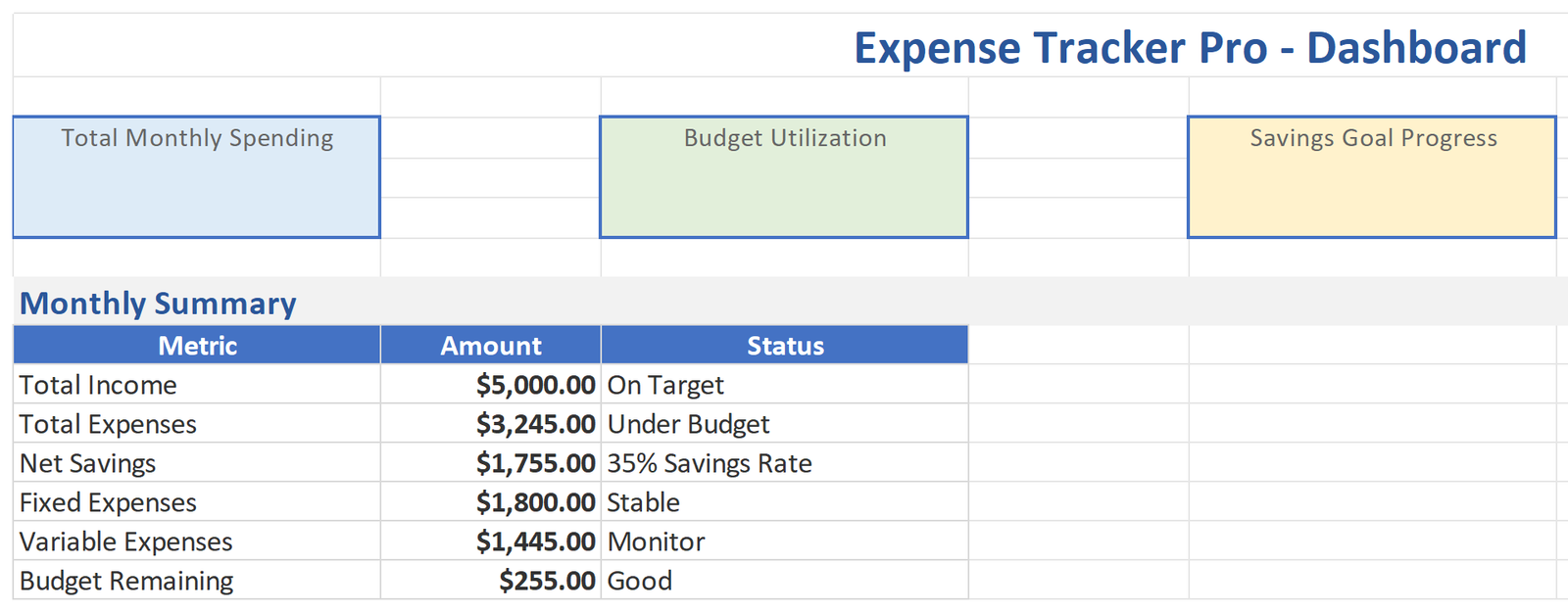
Real-Time Dashboard
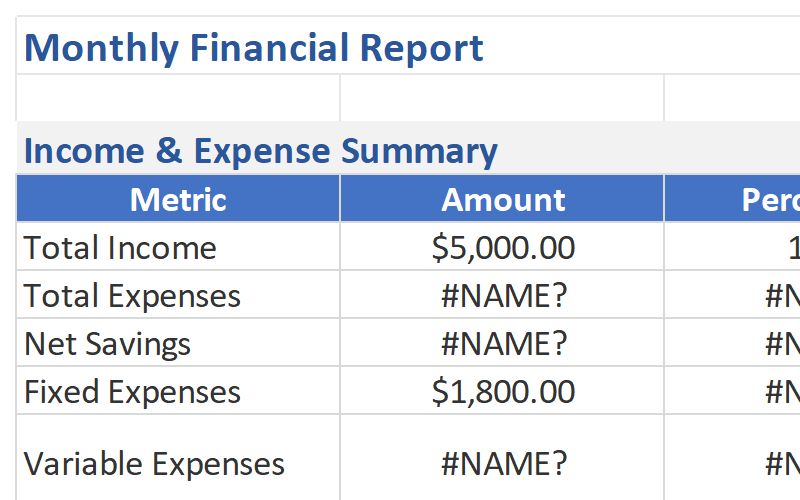
Get a clear overview of your total spending, category breakdowns, and monthly trends — all updated automatically as you log expenses.
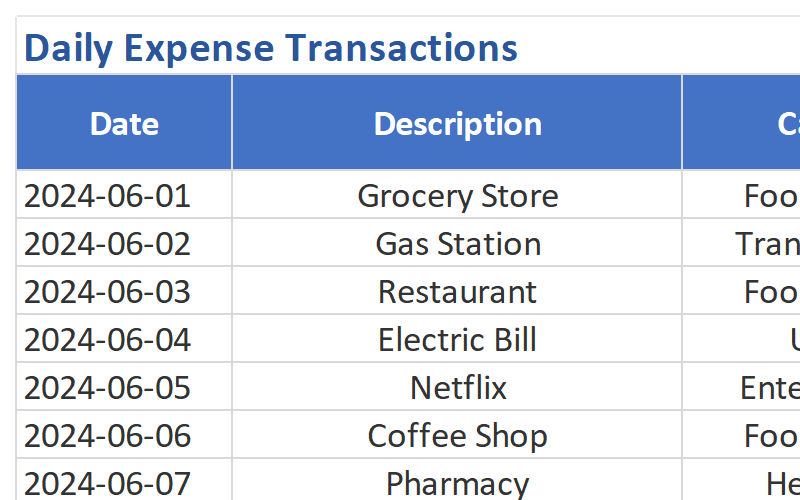
Expense Logging Made Simple
Quickly add expenses with date, category, amount, and payment method. Dropdown menus keep data entry fast and consistent.
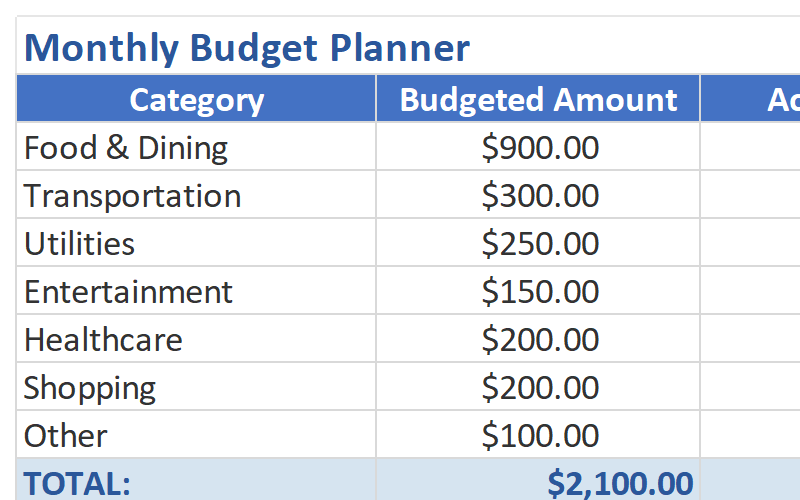
Budget vs Actual Tracking
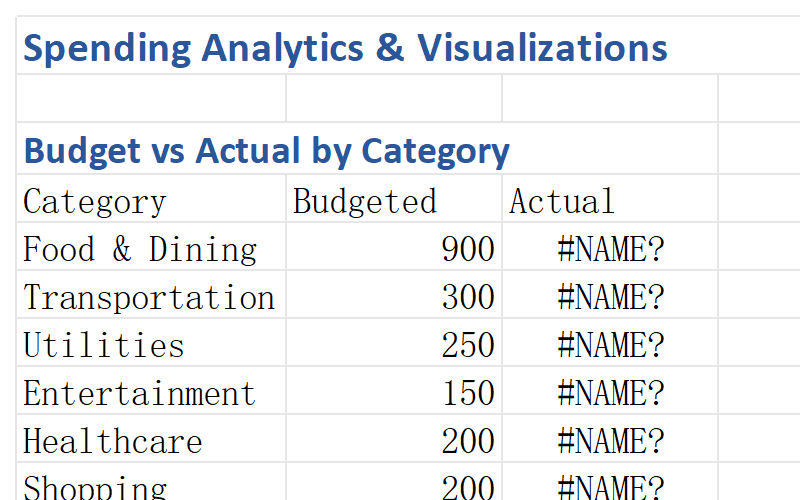
Set monthly budgets for each category and see real-time comparisons. Know exactly where you’re over or under budget.
Spending Insights & Charts
Visualize where your money goes with automatic charts. Spot spending patterns and adjust your habits with confidence.
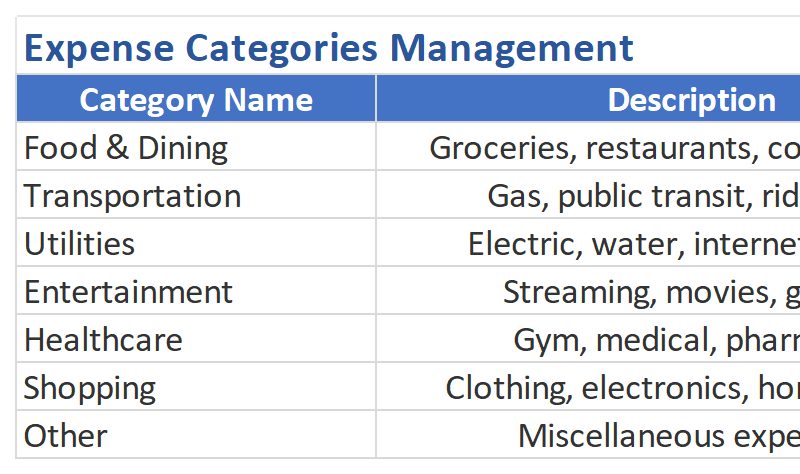
Smart Category Management
Use pre-defined categories like Food, Transport, Utilities, and Shopping — or create your own to match your lifestyle.
Instant Setup
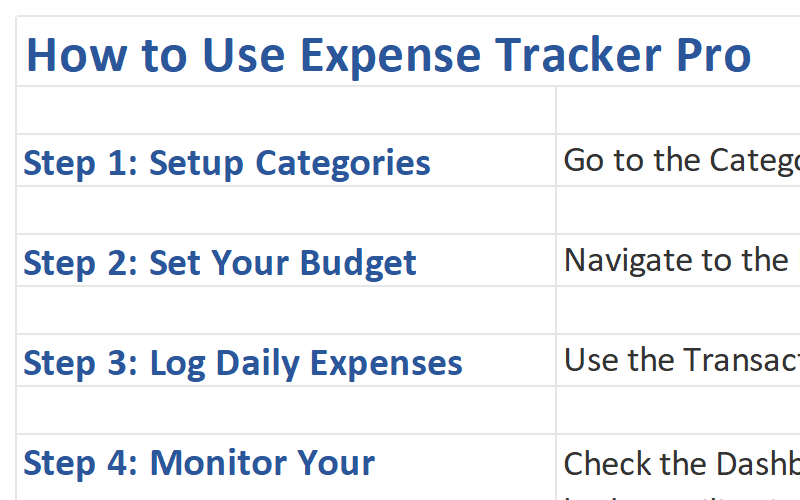
No complicated configuration. Open the template, start logging your expenses, and get insights immediately.
Complete Template Package
Everything you need to start tracking your expenses like a pro.
See the Template in Action
Explore the key sheets and features of the Expense Tracker Template.
Who Should Use This Template?
Designed for anyone who wants to take control of their spending.
Young Professionals
Build healthy financial habits early, track income growth, and save for future investments.
Families
Manage household expenses, track family spending, and plan for major purchases together.
Students
Learn budgeting basics, manage limited income, and avoid debt with smart spending tracking.
Freelancers
Track business expenses, separate personal and work spending, and prepare for tax season.
Anyone Who Wants to Track Spending
Whether you’re saving for a goal or just want to understand where your money goes, this template is for you.
Why Choose Our Expense Tracker?
Transform your financial management with these powerful advantages.
Save More Money
Users report saving an average of 20% more after implementing structured expense tracking. See exactly where your money goes and identify opportunities to cut unnecessary spending.
Save Time
Spend just 5 minutes per day logging expenses instead of hours trying to figure out where your money went. Automated calculations and charts do the heavy lifting for you.
Achieve Financial Goals
Whether saving for a vacation, emergency fund, or retirement, track your progress and stay on target with visual budget comparisons.
Reduce Financial Stress
Stop wondering if you can afford something. With clear visibility into your finances, make confident spending decisions and sleep better at night knowing you’re in control.
Technical Details
Everything you need to know about the template format and compatibility.
| File Format | Microsoft Excel (.xlsx) |
| Compatibility | Excel 365, Excel 2021, Excel 2019, Excel 2016 |
| Platform | Windows, Mac, iOS, Android (via Excel app) |
| File Size | ~2.5 MB |
| Sheets Included | 8 worksheets (Dashboard, Log, Budget, Categories, Summary, Charts, Instructions, 12-Month) |
| Macros | No macros required – works with all security settings |
| Updates | Lifetime free updates |
| Support | Email support included |
Frequently Asked Questions
Get answers to common questions about the Expense Tracker Template.
Start Tracking Your Expenses Today
Download the Expense Tracker Excel Template and take control of your finances in minutes. Join thousands of satisfied users who have transformed their spending habits.
Download This TemplateEnter your email to download this template for free and receive our weekly productivity tips.