Invoice Template Excel Template
Create Professional Invoices, Track Payments, Manage Clients
Create professional invoices, track payments, and manage clients with this easy-to-use Excel invoice template. Perfect for freelancers, small business owners, and service providers who need to bill clients quickly and accurately.
Everything You Need to Invoice Professionally
Professional tools designed to simplify invoicing and help you get paid faster.
Professional Invoice Layout
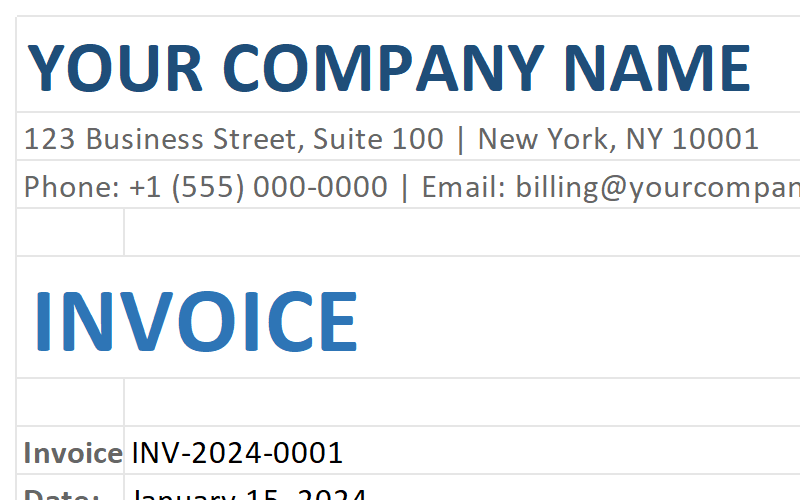
Clean, branded invoice design with all essential fields including invoice number, date, payment terms, and itemized charges.
Automatic Calculations
Subtotal, tax, discount, and total amounts are calculated automatically. No manual math, no errors.
Multiple Tax Support
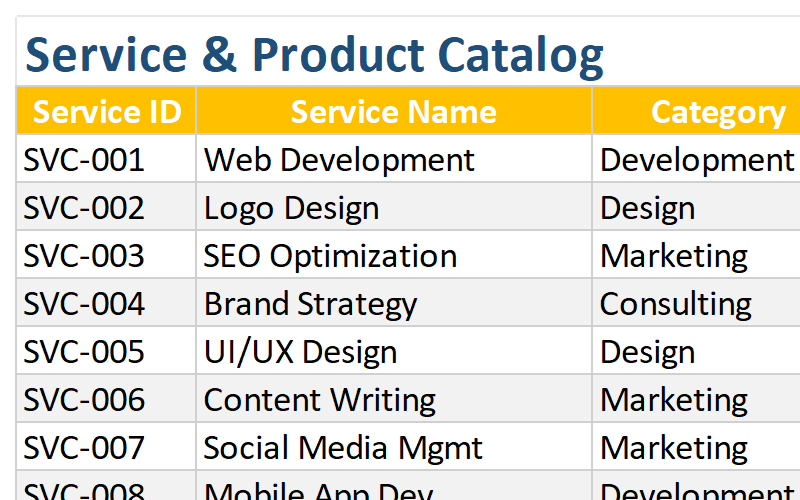
Built-in VAT, GST, and multi-rate tax calculations. Customize tax rates for different products or services.
Client & Company Management
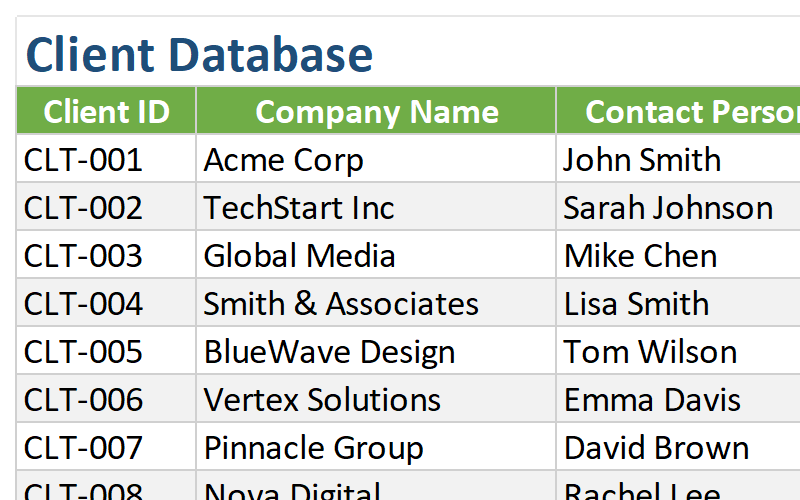
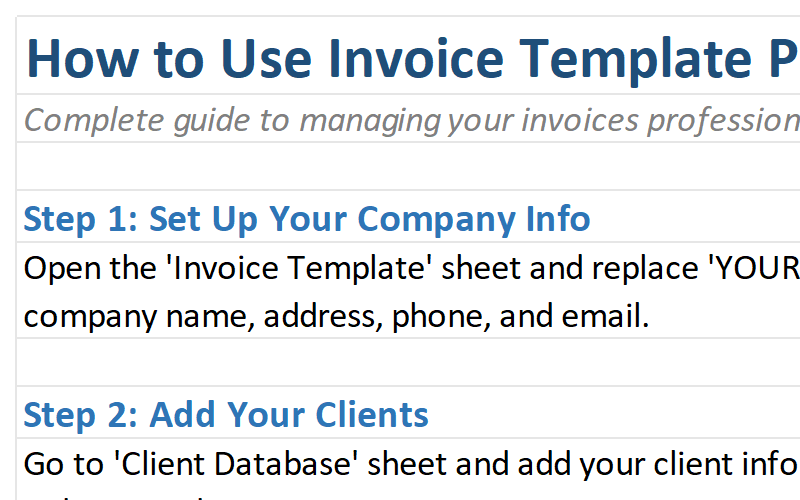
Store client details and company information for quick invoice creation. Reuse data without retyping.
Payment Tracking
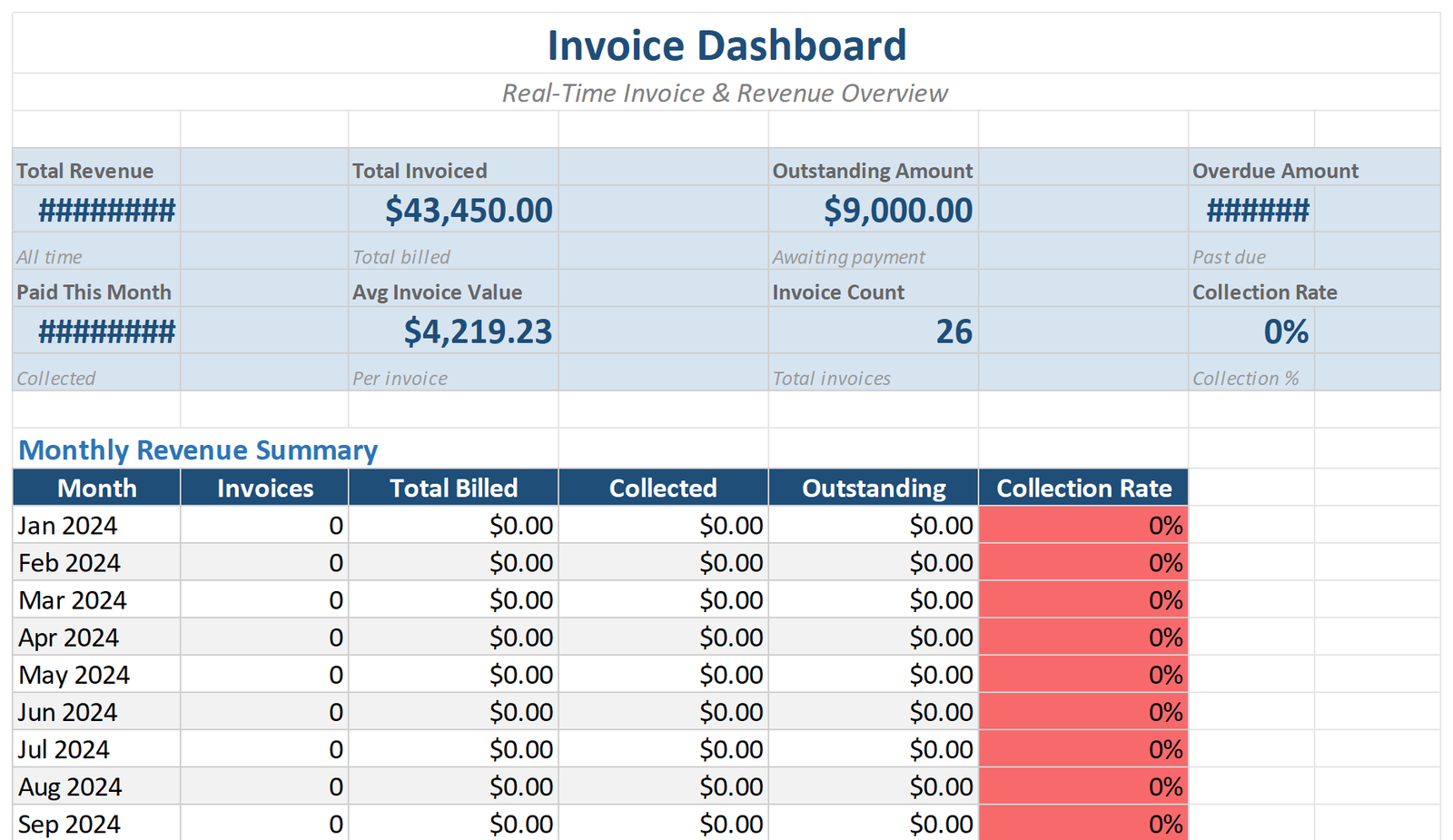
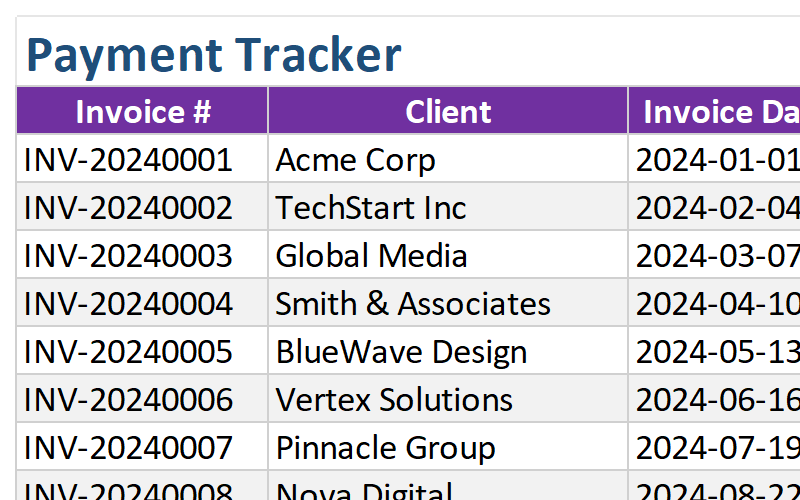
Track invoice status (Paid, Pending, Overdue) and manage payment deadlines. Know exactly who owes you.
Print & PDF Ready
Optimized for A4 and Letter printing. Export as PDF directly from Excel for professional presentation.
Complete Template Package
Everything you need to start invoicing like a pro.
See the Template in Action
Explore the key sheets and features of the Invoice Template.
Who Should Use This Template?
Designed for professionals who need to bill clients quickly and accurately.
Freelancers
Bill clients professionally, track payments, and manage multiple projects with ease.
Small Business Owners
Create branded invoices, manage cash flow, and keep your business finances organized.
Contractors
Track project-based work, bill hourly or per project, and manage client payments.
Service Providers
Invoice for services rendered, track recurring clients, and manage payment schedules.
Consultants
Bill by hour or project, track expenses, and present professional invoices to clients.
Why Choose Our Invoice Template?
Transform your billing process with these powerful advantages.
Save Hours Every Month
Stop manually creating invoices from scratch. Generate professional invoices in minutes with pre-built templates and automatic calculations.
Get Paid Faster
Professional invoices with clear payment terms and deadlines help you get paid on time. Track overdue invoices and send reminders efficiently.
Better Cash Flow Visibility
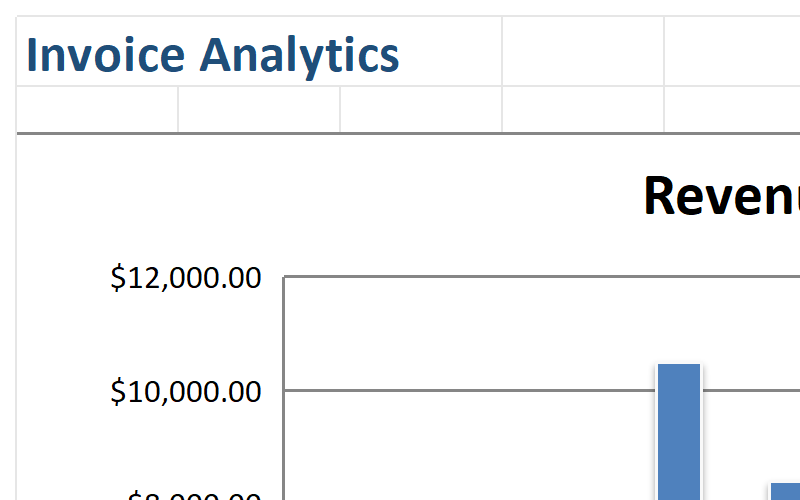
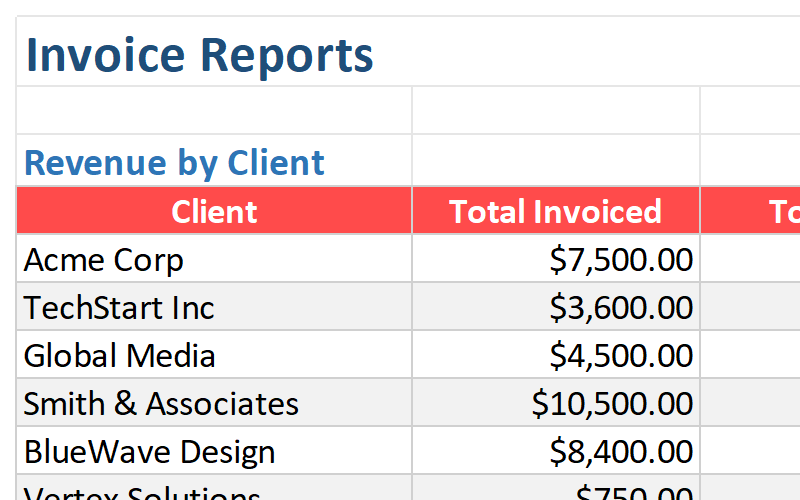
Know exactly who owes you, how much, and when. Dashboard and reports give you complete visibility into your business finances.
Professional Image
Impress clients with clean, branded invoices. Build trust and credibility with professional billing that matches your business image.
Technical Details
Everything you need to know about the template format and compatibility.
| File Format | Microsoft Excel (.xlsx) |
| Compatibility | Excel 365, Excel 2021, Excel 2019, Excel 2016 |
| Platform | Windows, Mac, iOS, Android (via Excel app) |
| File Size | ~3.0 MB |
| Sheets Included | 8 worksheets (Generator, Clients, Company, Catalog, Payments, Tax, Summary, Instructions) |
| Macros | No macros required – works with all security settings |
| Updates | Lifetime free updates |
| Support | Email support included |
Frequently Asked Questions
Get answers to common questions about the Invoice Template.
Start Invoicing Professionally Today
Download the Invoice Template Excel Template and streamline your billing process. Join thousands of freelancers and small business owners who get paid faster.
Download This Template