Employee Schedule Excel Template
Plan & Manage Employee Work Schedules, Track Shifts & Avoid Conflicts
Plan and manage employee work schedules, track shifts, and avoid conflicts with this easy-to-use Excel schedule template. Compatible with Excel 365, 2021 & 2019.
Everything You Need to Manage Employee Schedules
Professional tools designed to simplify shift scheduling and help you avoid conflicts.
Visual Schedule Board
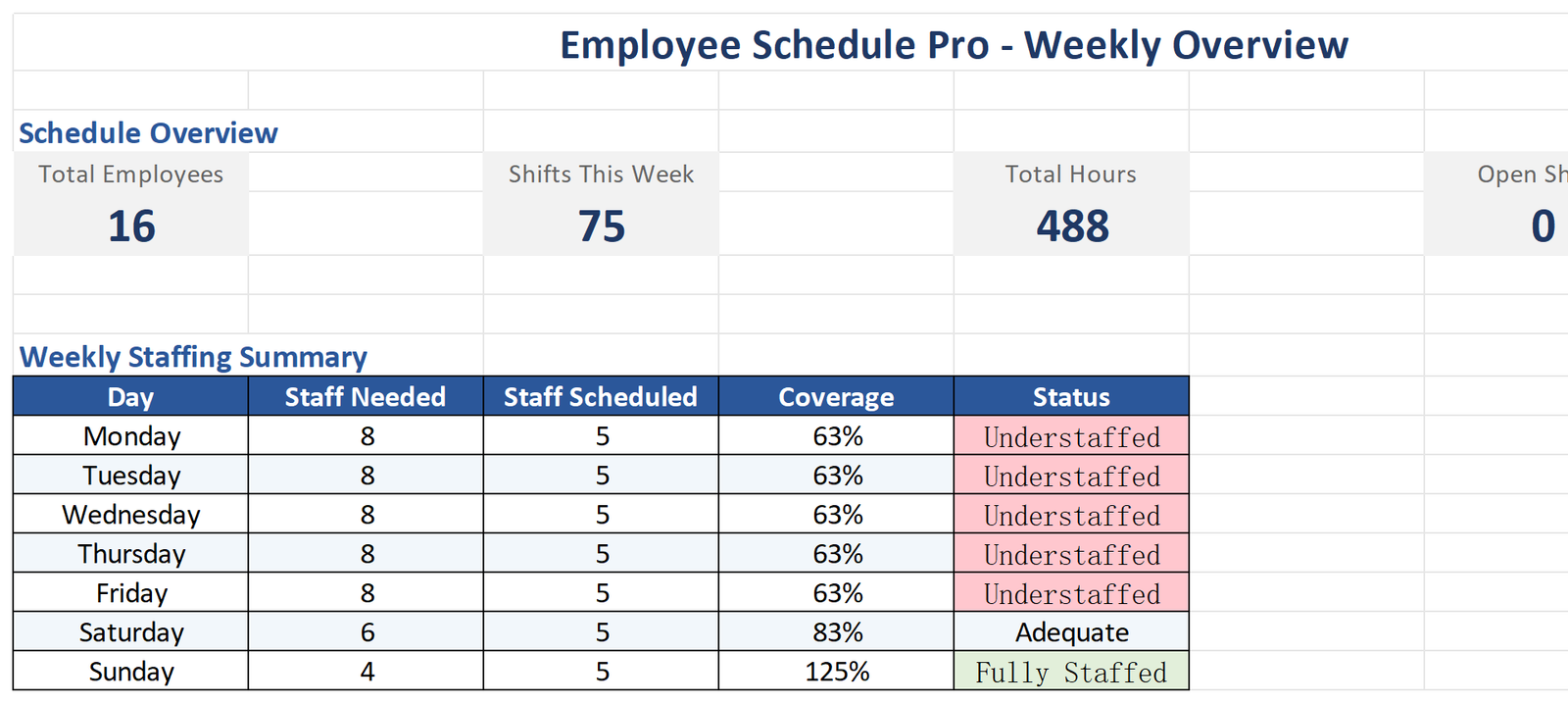
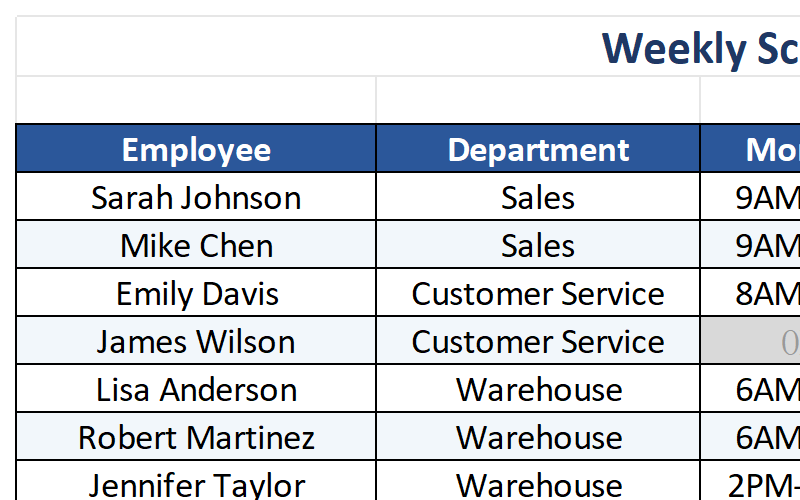
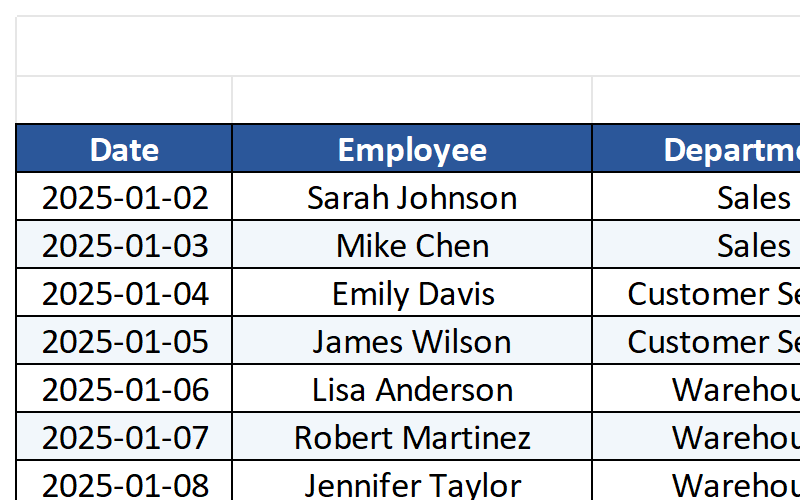
View weekly or monthly shifts in a color-coded grid. Quickly see who’s working when at a glance.
Shift Conflict Detection
Automatically highlights overlapping shifts or double-booked employees. Never schedule conflicts again.
Staff Availability Tracking
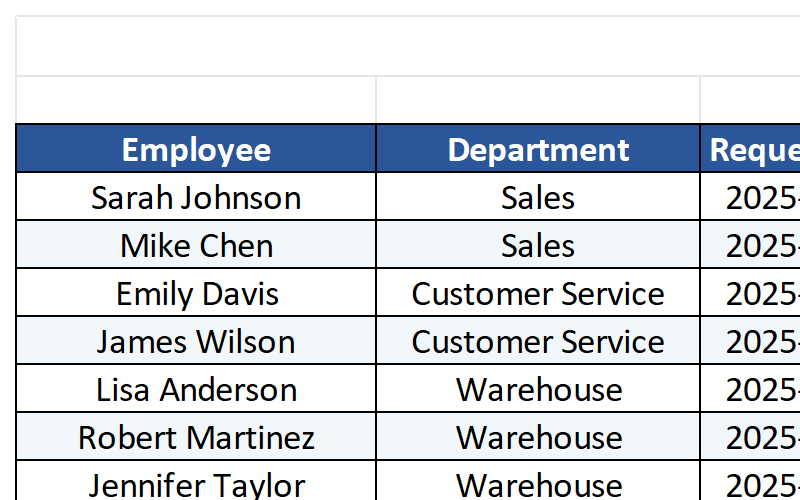
Record time-off requests and availability preferences. Build schedules around employee needs.
Hours & Overtime Calculation
Automatically calculates total hours and overtime per employee. Stay compliant with labor laws.
Multi-Department Support
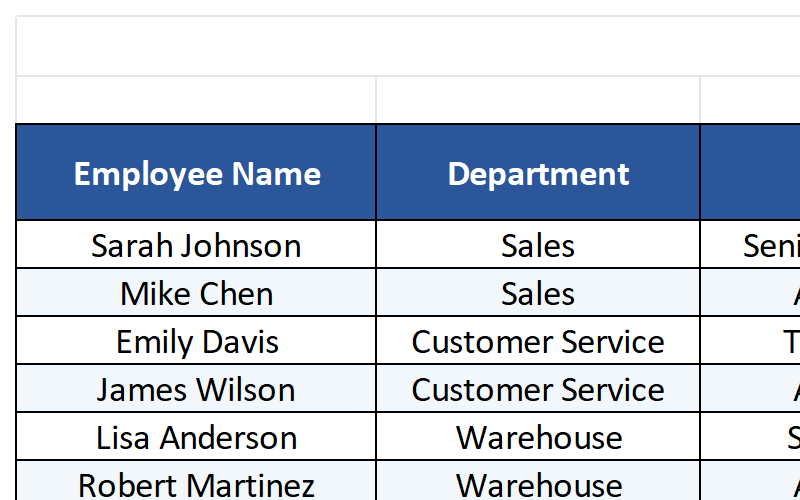
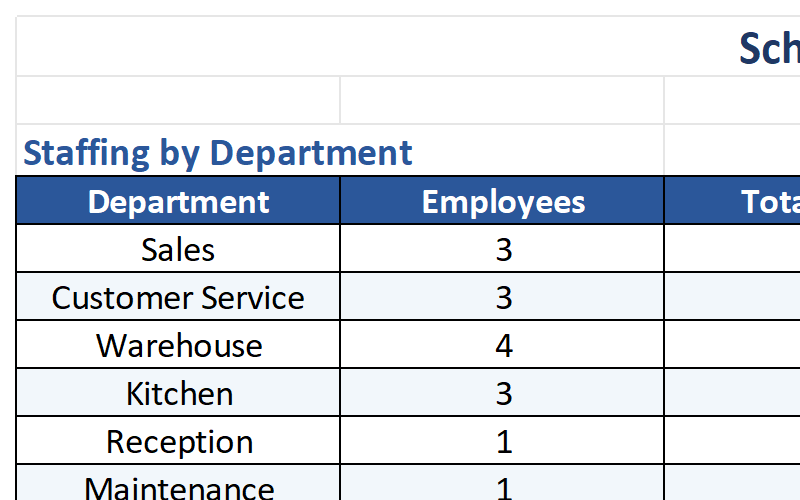
Organize schedules by team, role, or location. Manage complex organizations with ease.
Print-Ready Format
Print or export as PDF for easy distribution. Share schedules with your team in seconds.
Complete Template Package
Everything you need to start managing employee schedules like a pro.
See the Template in Action
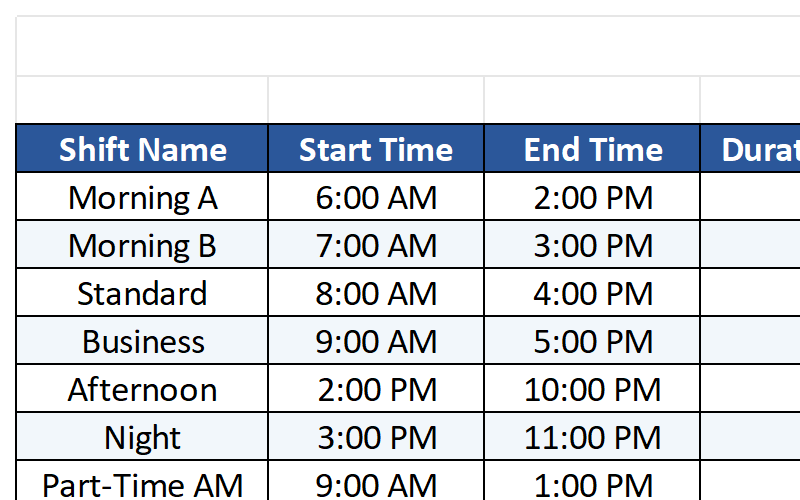
Explore the key sheets and features of the Employee Schedule Template.
Who Should Use This Template?
Designed for managers and business owners who need to coordinate employee schedules.
Retail Managers
Schedule store staff across multiple shifts, manage part-time and full-time employees, and handle peak hours.
Restaurant Owners
Coordinate kitchen and front-of-house staff, manage rotating shifts, and track availability.
Healthcare Facilities
Schedule nurses, doctors, and support staff across 24/7 operations with complex shift patterns.
Manufacturing Plants
Manage production line workers, track overtime, and ensure adequate coverage for all shifts.
Hospitality Industry
Schedule hotel staff, manage seasonal workers, and coordinate multiple departments.
Logistics & Delivery
Coordinate drivers, warehouse staff, and dispatch teams with flexible scheduling needs.
Why Choose Our Schedule Template?
Transform your workforce management with these powerful advantages.
Save Hours Every Week
Reduce scheduling time from hours to minutes. Automated conflict detection and templates make schedule creation fast and error-free.
Eliminate Scheduling Conflicts
Never double-book an employee or create overlapping shifts again. Automatic alerts catch conflicts before they happen.
Control Labor Costs
Track overtime automatically and stay within budget. Know exactly how many hours each employee is working before payroll.
Improve Employee Satisfaction
Respect employee availability and time-off requests. Fair scheduling leads to happier, more productive teams.
Technical Details
Everything you need to know about the template format and compatibility.
| File Format | Microsoft Excel (.xlsx) |
| Compatibility | Excel 365, Excel 2021, Excel 2019, Excel 2016 |
| Platform | Windows, Mac, iOS, Android (via Excel app) |
| File Size | ~3.2 MB |
| Sheets Included | 8 worksheets (Weekly Schedule, Monthly Schedule, Employee List, Time-Off, Shift Types, Reports, History, Instructions) |
| Macros | No macros required – works with all security settings |
| Updates | Lifetime free updates |
| Support | Email support included |
Frequently Asked Questions
Get answers to common questions about the Employee Schedule Template.
Start Managing Employee Schedules Today
Download the Employee Schedule Excel Template and streamline your workforce management in minutes. Join thousands of satisfied managers who have eliminated scheduling headaches.
Download This Template