Employee Timesheet Excel Template
Track Work Hours, Overtime & Pay Effortlessly
Track work hours, overtime, and attendance effortlessly with this professional timesheet template. Auto-calculates pay and generates monthly reports. Compatible with Excel 365, 2021 & 2019.
Everything You Need for Time Tracking
Professional timesheet tools designed for accurate payroll and attendance management.
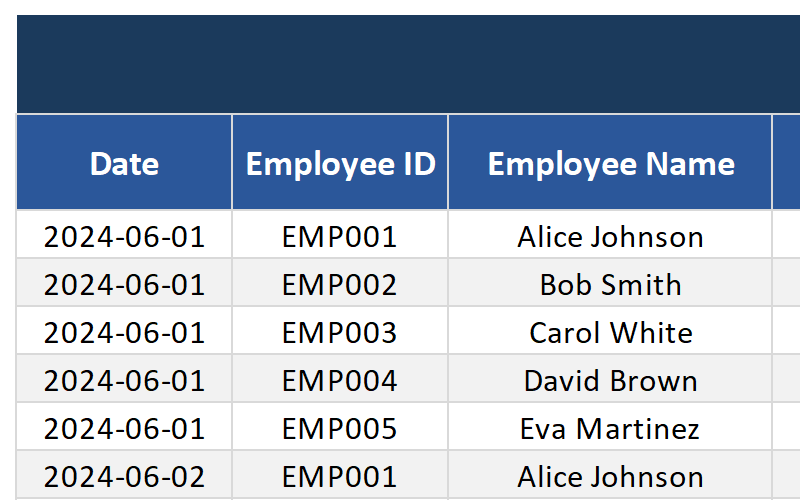
Daily & Weekly Log
Record clock-in/out times and break periods. Track every hour worked with precision.
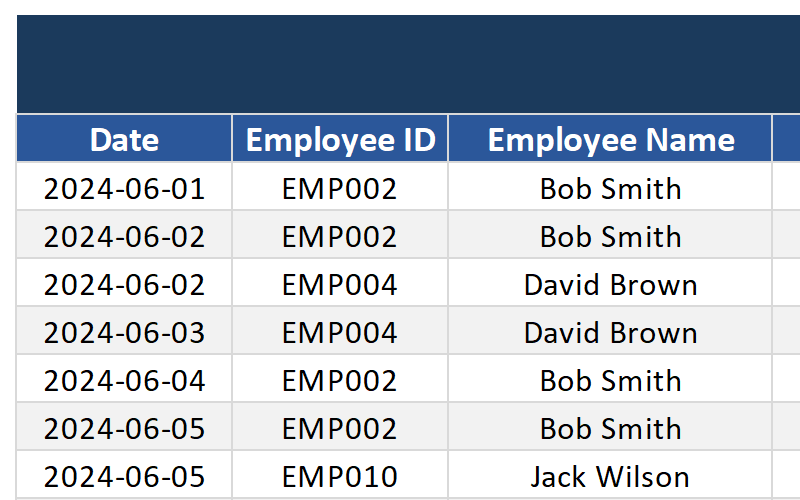
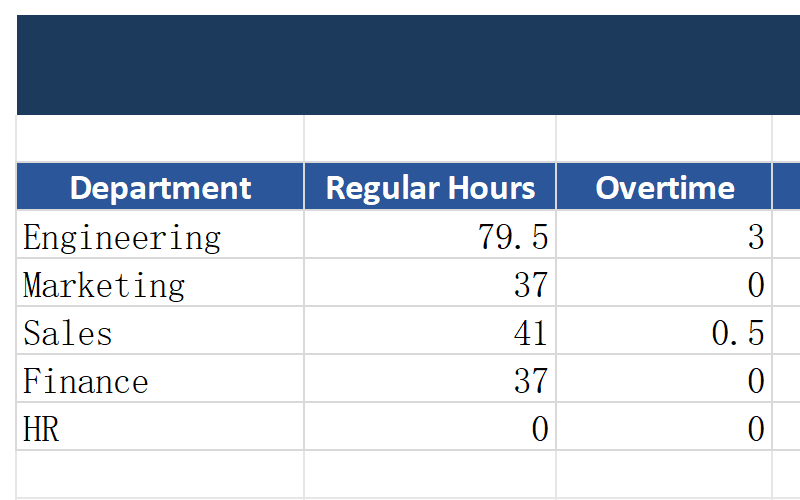
Overtime Calculation
Automatically identifies and calculates overtime hours based on your configured thresholds.
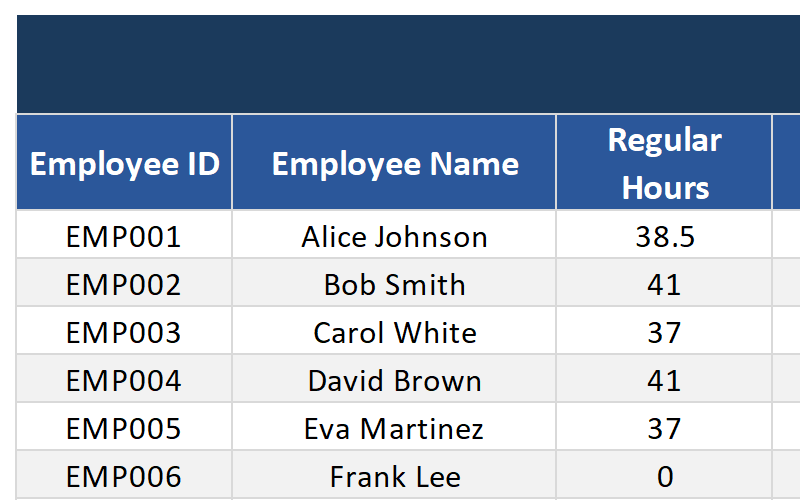
Hourly Rate & Pay Calculator
Auto-calculates total pay based on hours worked and hourly rates. Perfect for payroll processing.
Project/Client Filtering
Log hours by project or client for accurate billing and cost tracking.
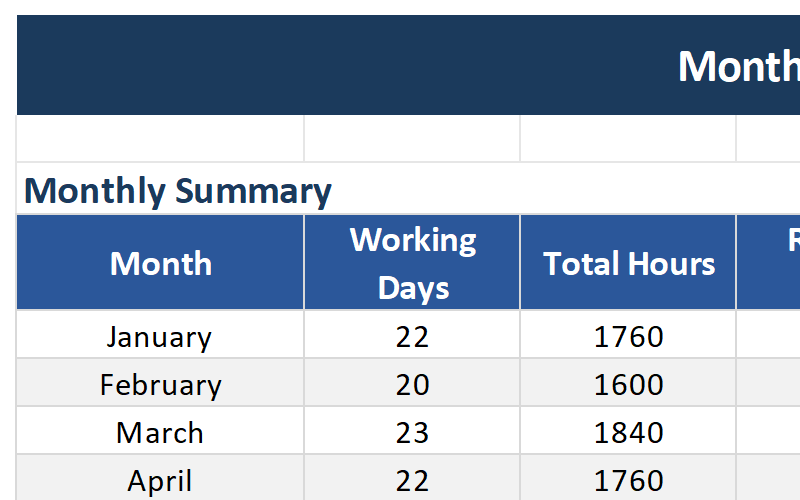
Monthly Summary Report
Generates a monthly timesheet summary for payroll. Export and share with your accounting team.
Approval Workflow
Manager signature and approval section built-in. Streamline your timesheet approval process.
Complete Template Package
Everything you need to manage employee time tracking like a pro.
See the Template in Action
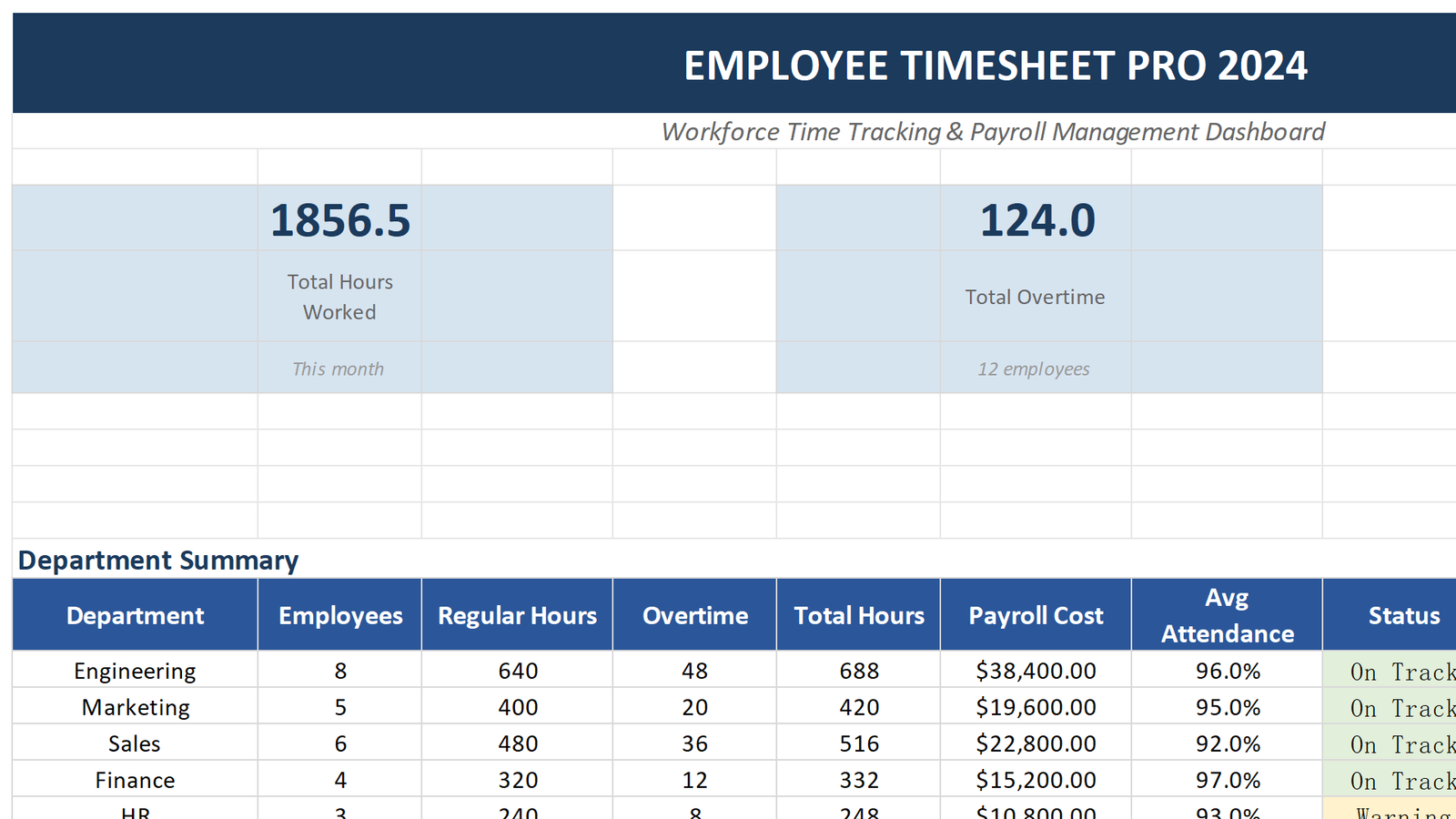
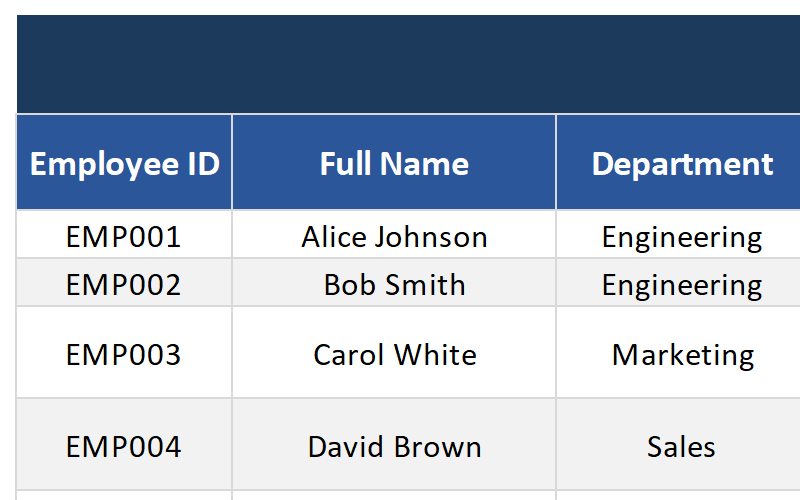
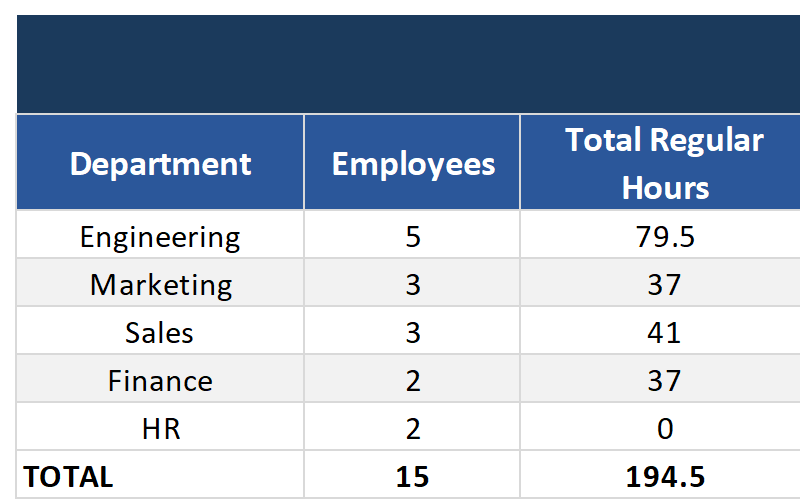
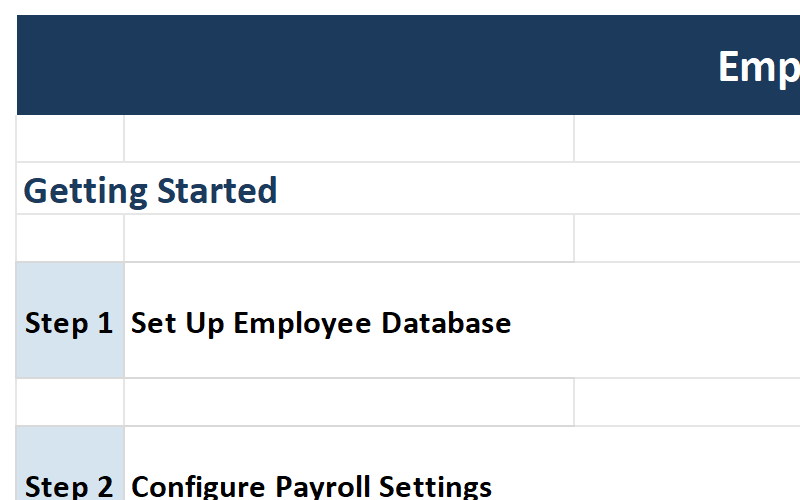
Explore the key sheets and features of the Employee Timesheet Template.
Who Should Use This Template?
Designed for businesses and teams that need accurate time tracking.
HR Departments
Manage employee attendance, track work hours, and process payroll efficiently.
Small Business Owners
Track employee hours without expensive software. Perfect for teams of 5-50 employees.
Project Managers
Track time spent on projects and clients. Accurate billing and cost analysis.
Construction Companies
Track field worker hours, overtime, and project allocation with ease.
Restaurants & Retail
Manage shift workers, track part-time hours, and calculate weekly pay.
Any Business with Employees
If you need to track work hours and calculate pay, this template is for you.
Why Choose Our Timesheet Template?
Transform your time tracking with these powerful advantages.
Accurate Payroll
Eliminate manual calculation errors. Auto-calculated hours and pay ensure employees are paid correctly every time.
Save Time
Reduce payroll processing time by 80%. Automated calculations and reports do the heavy lifting for you.
Better Visibility
See exactly where time is spent. Track overtime trends, department costs, and project profitability at a glance.
Streamlined Approvals
Built-in approval workflow ensures timesheets are reviewed and signed before payroll processing.
Technical Details
Everything you need to know about the template format and compatibility.
| File Format | Microsoft Excel (.xlsx) |
| Compatibility | Excel 365, Excel 2021, Excel 2019, Excel 2016 |
| Platform | Windows, Mac, iOS, Android (via Excel app) |
| File Size | ~3.2 MB |
| Sheets Included | 9 worksheets (Dashboard, Timesheet, Payroll Calculator, Overtime Tracker, Monthly Report, Employee Database, Department Summary, Charts, Instructions) |
| Macros | No macros required – works with all security settings |
| Updates | Lifetime free updates |
| Support | Email support included |
Frequently Asked Questions
Get answers to common questions about the Employee Timesheet Template.
Streamline Your Time Tracking Today
Download the Employee Timesheet Excel Template and simplify payroll processing. Join thousands of businesses that track time accurately and efficiently.
Download This Template