Project Tracker Excel Template
Plan, Track, and Manage Your Projects Efficiently
Plan, track, and manage your projects efficiently with this comprehensive Excel project tracker. Monitor tasks, deadlines, team progress, and budgets — all in one place. Perfect for project managers, team leads, and small business owners.
Everything You Need to Manage Projects
Professional tools designed to simplify project management and help your team deliver on time.
Task Management
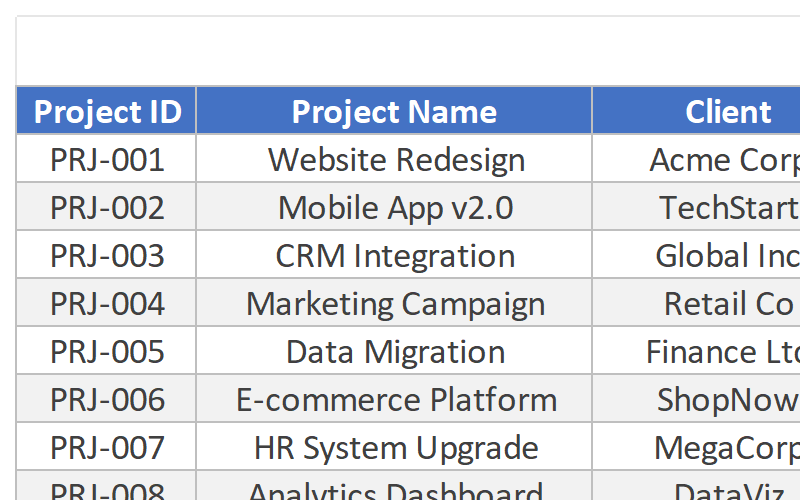
Create, assign, and prioritize tasks with due dates, status updates, and clear ownership. Keep everyone aligned and accountable.
Gantt Chart View
Visualize your project timeline with an interactive Gantt chart. See task dependencies and overlapping work at a glance.
Progress Tracking
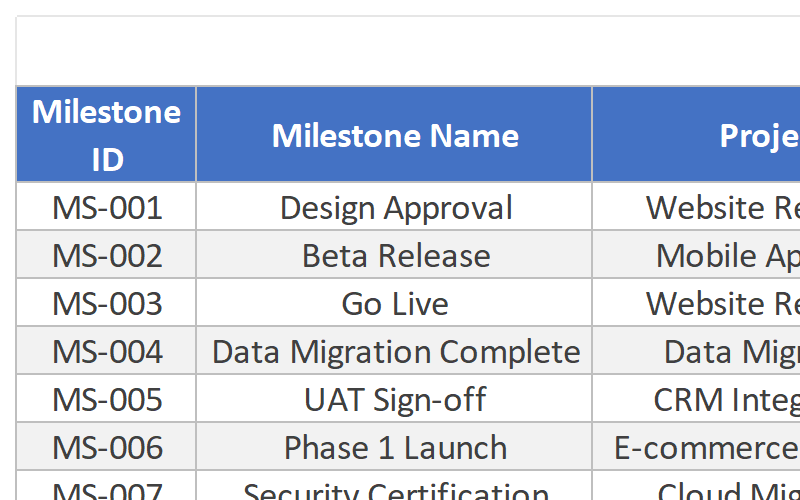
Monitor overall project completion with percentage bars and milestone tracking. Know exactly where each task stands.
Team Workload Management
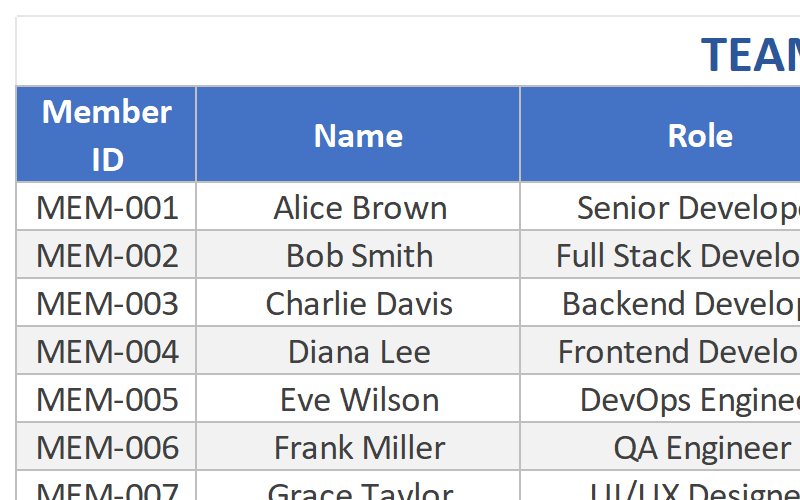
See who is working on what and balance workloads across your team. Prevent burnout and optimize resource allocation.
Budget & Cost Tracking
Track project costs, budgets, and actual spending. Keep your project financially on track with real-time budget insights.
Status Reports & Dashboards
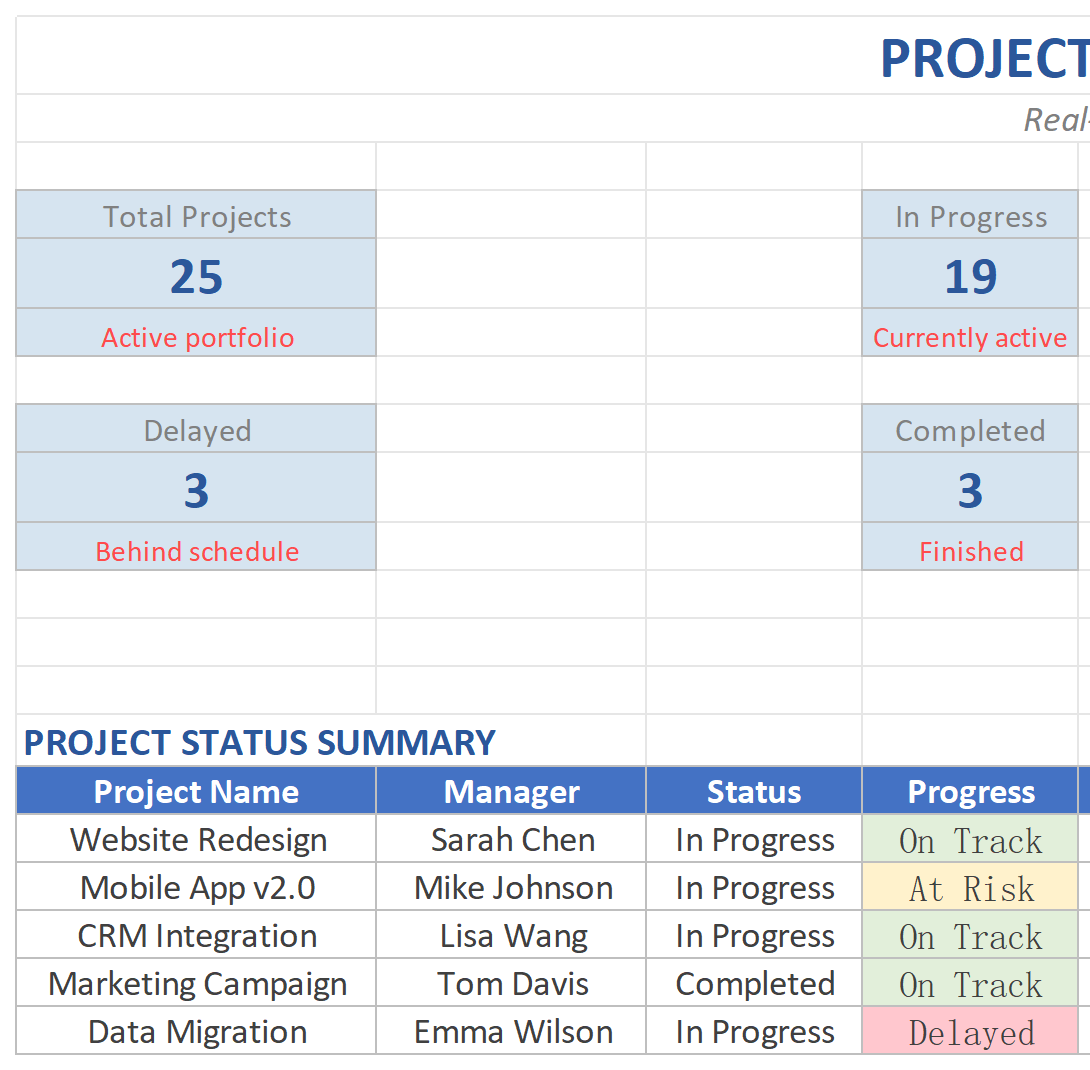
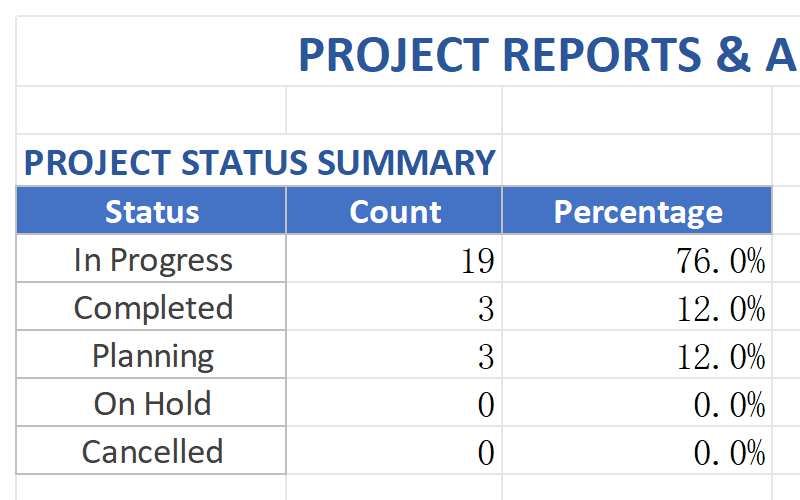
Generate real-time project status reports and summaries. Share progress updates with stakeholders in minutes.
Complete Template Package
Everything you need to start managing projects like a pro.
See the Template in Action
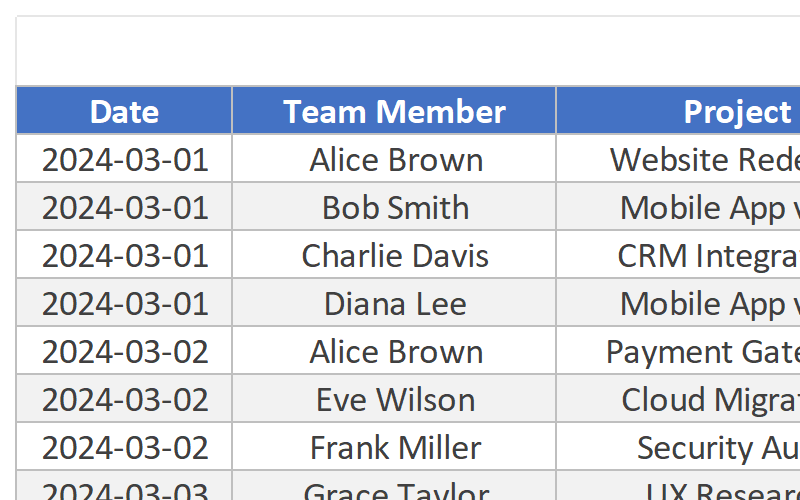
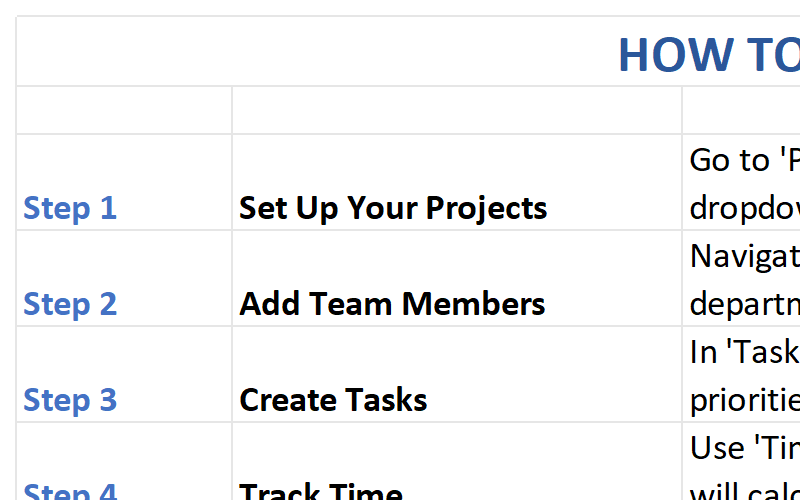
Explore the key sheets and features of the Project Tracker Template.
Who Should Use This Template?
Designed for professionals who need to manage projects and teams efficiently.
Project Managers
Manage multiple projects, track deadlines, and keep teams aligned with comprehensive project oversight.
Team Leads
Assign tasks, monitor progress, and balance workloads across your team members effectively.
Small Business Owners
Track projects, budgets, and team performance without expensive project management software.
Product Managers
Plan product launches, track feature development, and coordinate cross-functional teams.
Operations Teams
Manage operational projects, track process improvements, and ensure timely delivery of initiatives.
Why Choose Our Project Tracker?
Transform your project management with these powerful advantages.
Deliver Projects On Time
Never miss a deadline again. Visual Gantt charts and automated reminders keep your team on schedule and projects moving forward.
Better Team Collaboration
Clear task assignments, status updates, and workload visibility ensure everyone knows what to do and when. Reduce confusion and duplicated work.
Stay Within Budget
Track project costs in real-time and catch budget overruns early. Make informed decisions to keep your projects financially healthy.
Data-Driven Decisions
Real-time dashboards and reports give you complete visibility into project health. Make confident decisions based on accurate, up-to-date information.
Technical Details
Everything you need to know about the template format and compatibility.
| File Format | Microsoft Excel (.xlsx) |
| Compatibility | Excel 365, Excel 2021, Excel 2019, Excel 2016 |
| Platform | Windows, Mac, iOS, Android (via Excel app) |
| File Size | ~3.5 MB |
| Sheets Included | 8 worksheets (Dashboard, Task List, Gantt Chart, Team Members, Budget, Reports, Milestones, Instructions) |
| Macros | No macros required – works with all security settings |
| Updates | Lifetime free updates |
| Support | Email support included |
Frequently Asked Questions
Get answers to common questions about the Project Tracker Template.
Start Managing Projects Like a Pro
Download the Project Tracker Excel Template and bring clarity to your projects. Join thousands of project managers who deliver on time and within budget.
Download This Template