To-Do List Excel Template
Stay Organized and Boost Your Productivity
Organize tasks, set priorities, and track progress with this simple yet powerful Excel to-do list template. Perfect for professionals, students, and anyone with a busy schedule.
Everything You Need to Stay Productive
Powerful features designed to help you manage tasks efficiently and never miss a deadline.
Priority-Based Sorting
Sort tasks by High, Medium, or Low priority automatically. Focus on what matters most and tackle urgent tasks first.
Progress Tracking
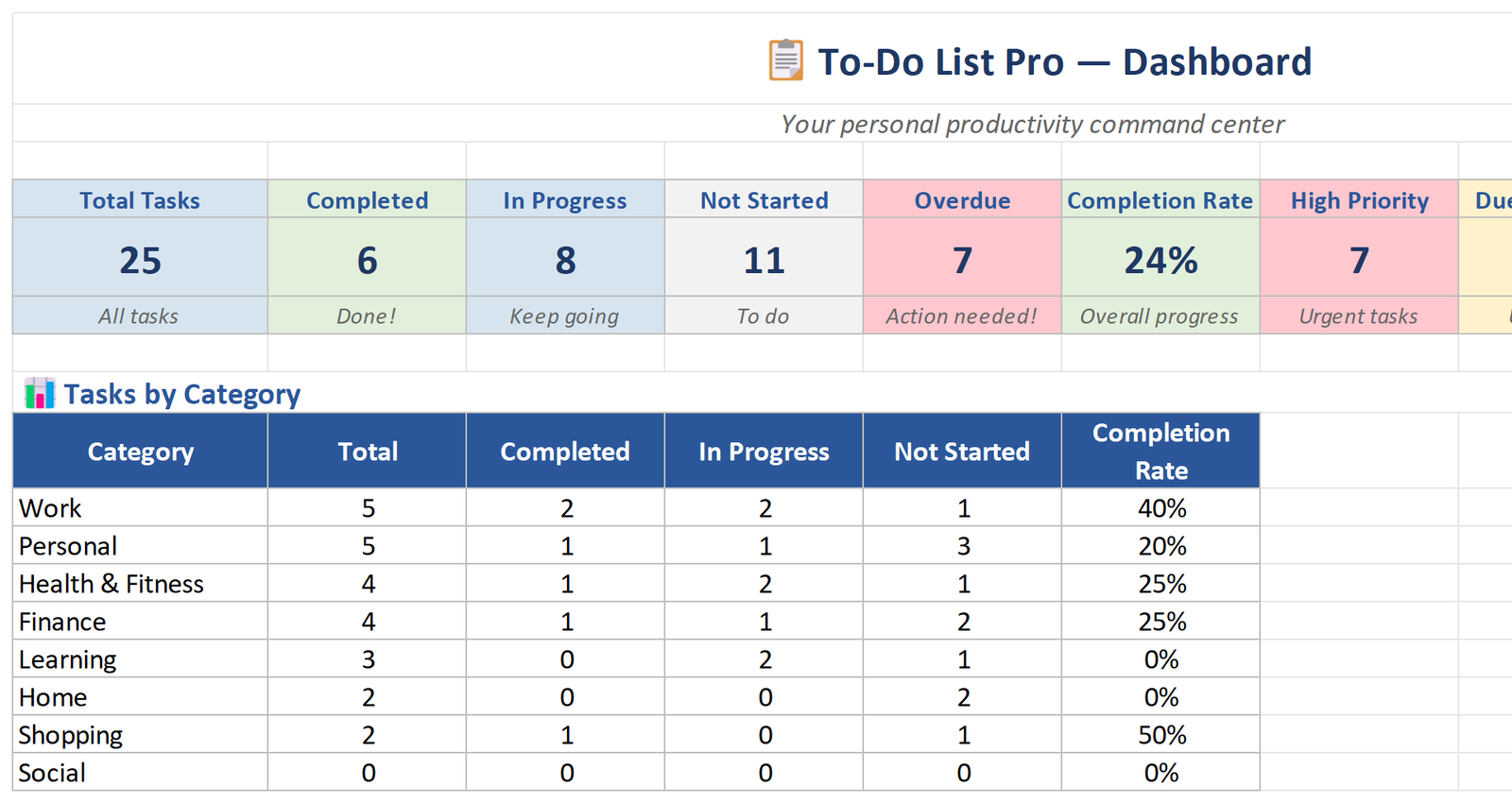
Visual completion bar shows overall task progress. Stay motivated as you watch your productivity grow day by day.
Due Date Alerts
Tasks with approaching deadlines are automatically highlighted. Never miss an important deadline again.
Category Labels
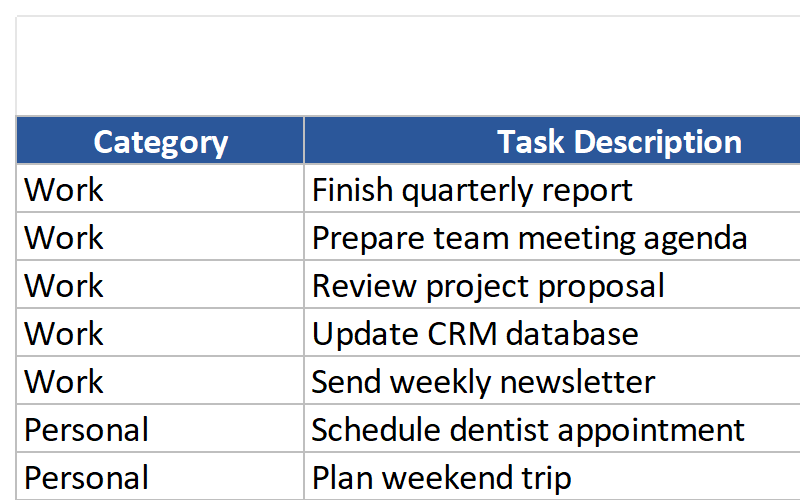
Group tasks by Work, Personal, Shopping, or custom labels. Keep different areas of your life organized separately.
Subtask Support
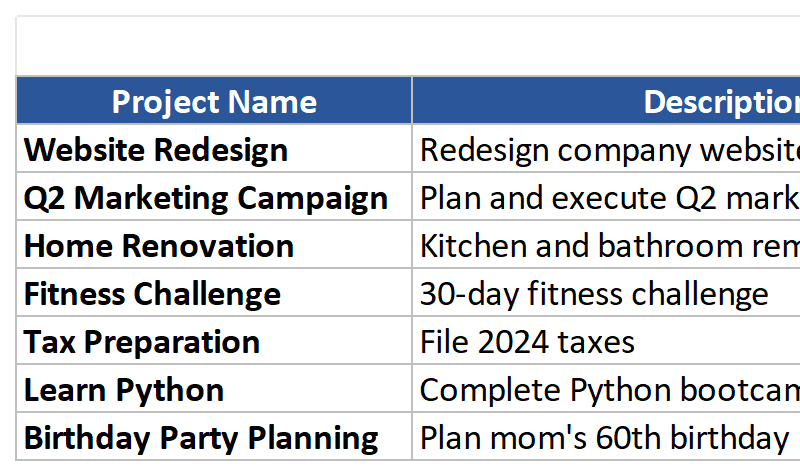
Break down large tasks into smaller, manageable subtasks. Make complex projects feel achievable and trackable.
Completed Task Archive
Keep a log of finished tasks for future reference. Review your accomplishments and learn from past productivity patterns.
Complete Template Package
Everything you need to start managing your tasks like a pro.
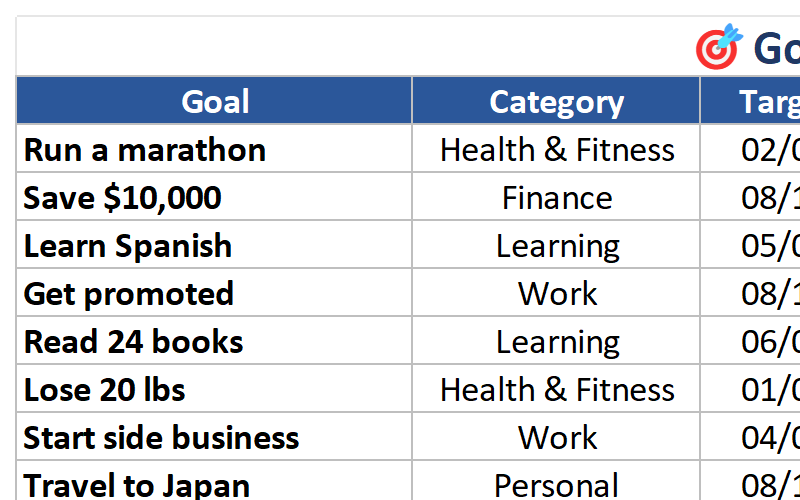
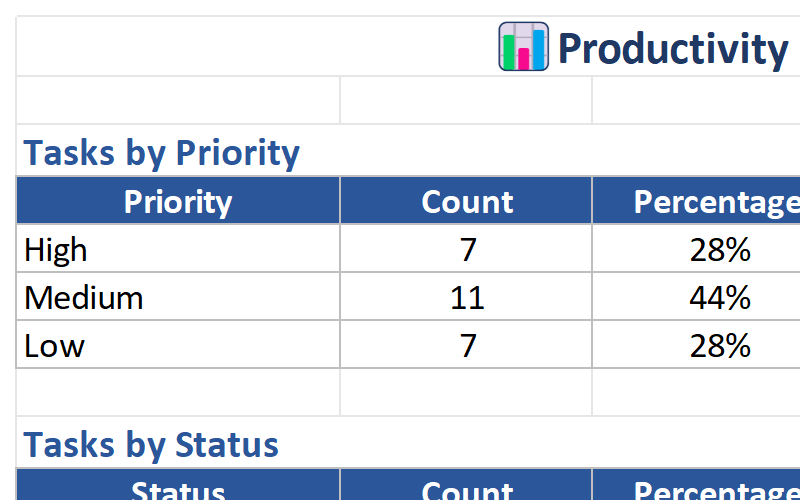
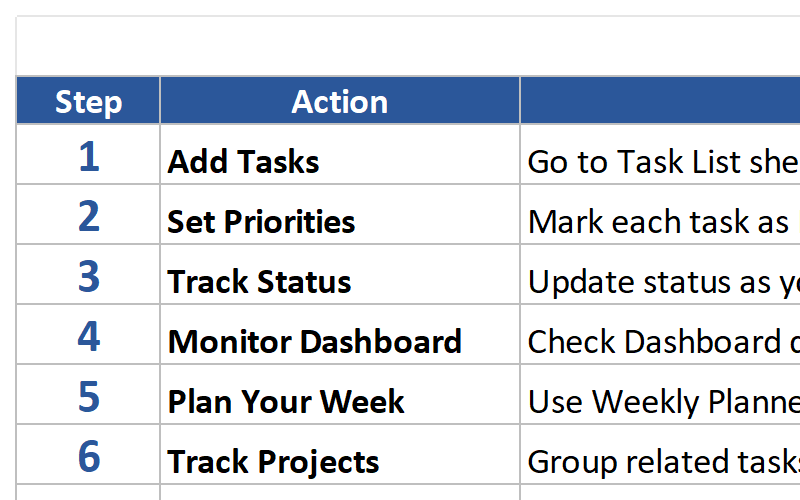
See the Template in Action
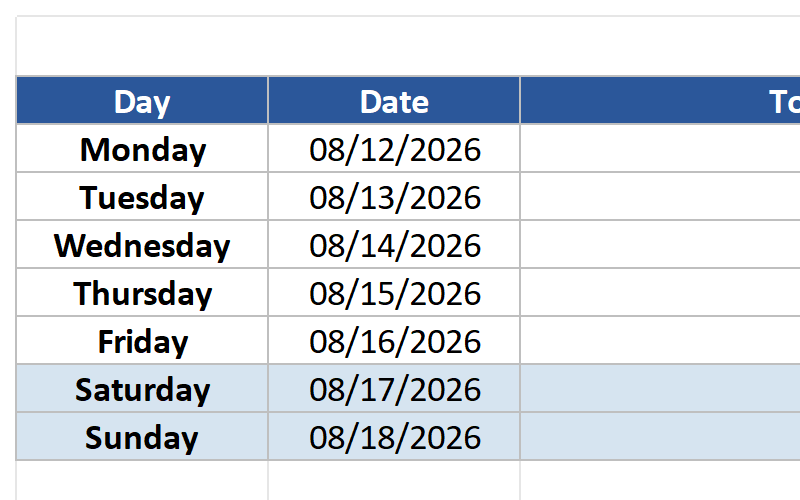
Explore the key sheets and features of the To-Do List Template.
Who Should Use This Template?
Designed for anyone who wants to stay organized and boost productivity.
Professionals
Manage work projects, track deadlines, and balance multiple responsibilities efficiently.
Students
Organize assignments, track study schedules, and never miss a homework deadline.
Project Managers
Coordinate team tasks, monitor project progress, and ensure timely delivery.
Busy Parents
Juggle family schedules, household tasks, and personal goals with ease.
Freelancers
Manage client projects, track billable hours, and stay on top of deliverables.
Anyone with a Busy Schedule
If you have multiple tasks to manage, this template will help you stay organized and focused.
Why Choose Our To-Do List Template?
Transform your productivity with these powerful advantages.
Boost Productivity
Users report completing 40% more tasks after implementing structured task management. Stay focused on high-priority items and eliminate distractions.
Reduce Mental Load
Stop trying to remember everything. Write it down, organize it, and let the template track your progress. Free up mental space for creative thinking.
Never Miss Deadlines
Automatic due date alerts ensure you’re always aware of upcoming deadlines. Plan ahead and deliver on time, every time.
Track Your Progress
Visual progress bars and completion reports show exactly how productive you’ve been. Celebrate wins and identify areas for improvement.
Technical Details
Everything you need to know about the template format and compatibility.
| File Format | Microsoft Excel (.xlsx) |
| Compatibility | Excel 365, Excel 2021, Excel 2019, Excel 2016 |
| Platform | Windows, Mac, iOS, Android (via Excel app) |
| File Size | ~1.8 MB |
| Sheets Included | 5 worksheets (Task List, Progress Tracker, Categories, Completed Archive, Settings & Guide) |
| Macros | No macros required – works with all security settings |
| Updates | Lifetime free updates |
| Support | Email support included |
Frequently Asked Questions
Get answers to common questions about the To-Do List Template.
Start Organizing Your Tasks Today
Download the To-Do List Excel Template and take control of your productivity. Join thousands of satisfied users who have transformed their daily workflow.
Download This Template