Weekly Planner Excel Template
Plan Your Week, Achieve Your Goals
Plan your week hour by hour, prioritize tasks, and track goals with this comprehensive weekly planner. Perfect for professionals, students, and anyone who wants to stay organized.
Everything You Need for a Productive Week
Comprehensive planning tools designed to help you organize your time and achieve your weekly goals.
Hourly Time Slots
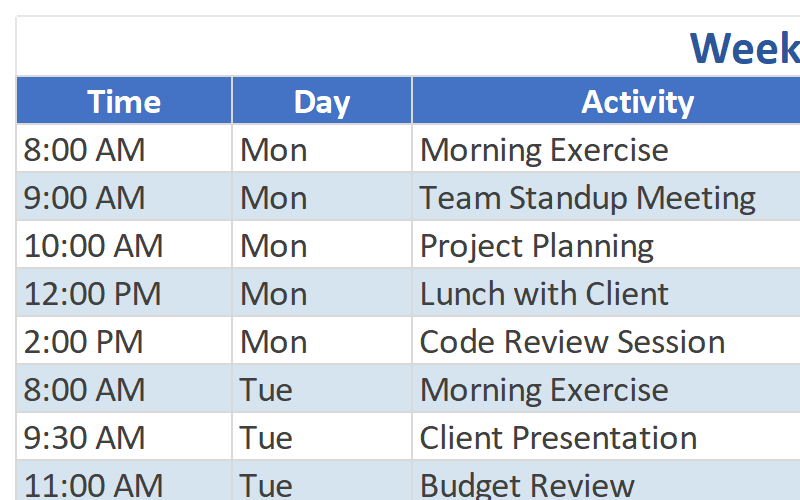
Detailed daily schedule from 6 AM to 11 PM. Plan every hour of your day and make the most of your time.
Goal & Priority Section
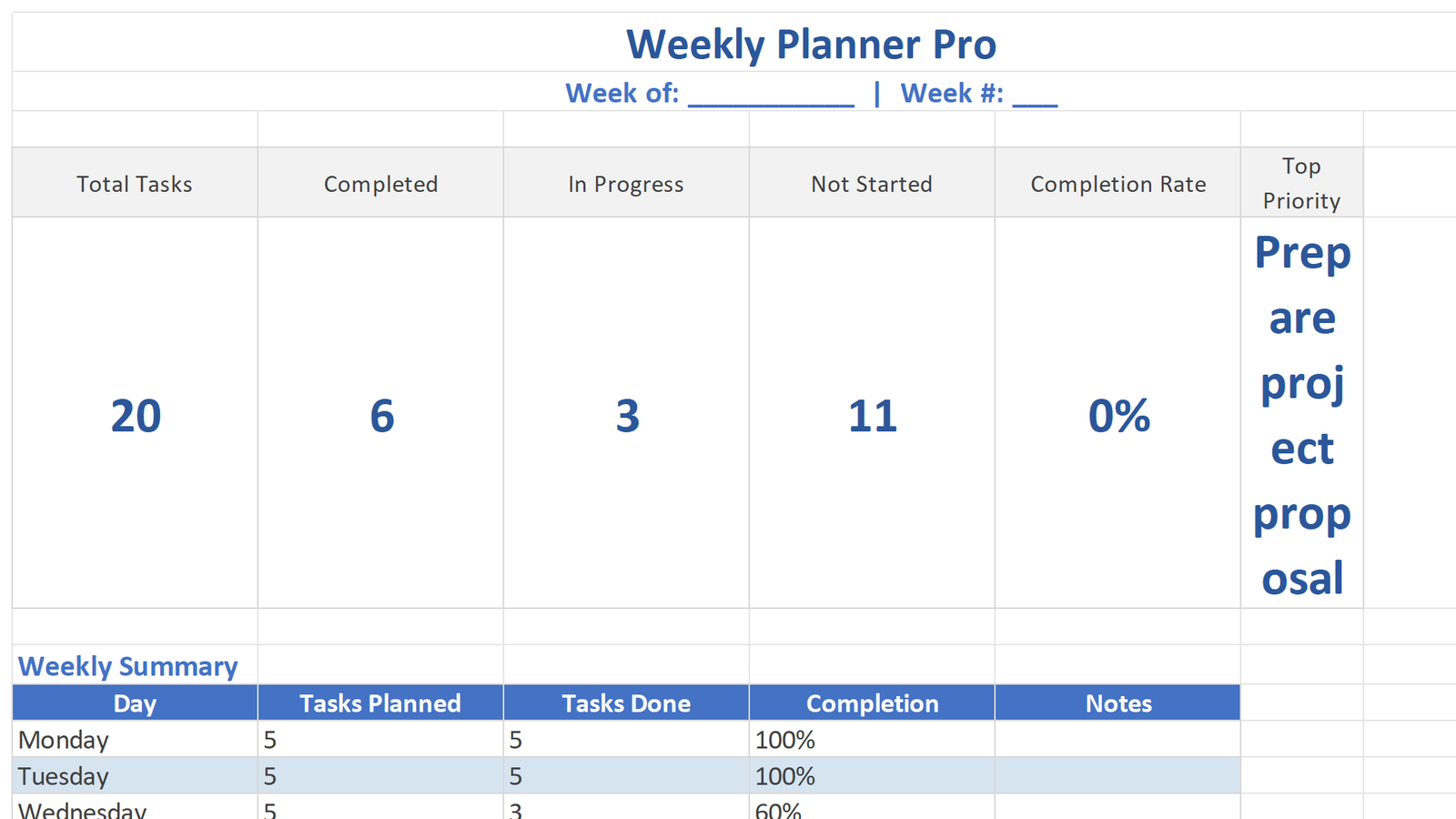
Set weekly goals and top priorities for focus. Start each week with clear direction and purpose.
Task Checklist
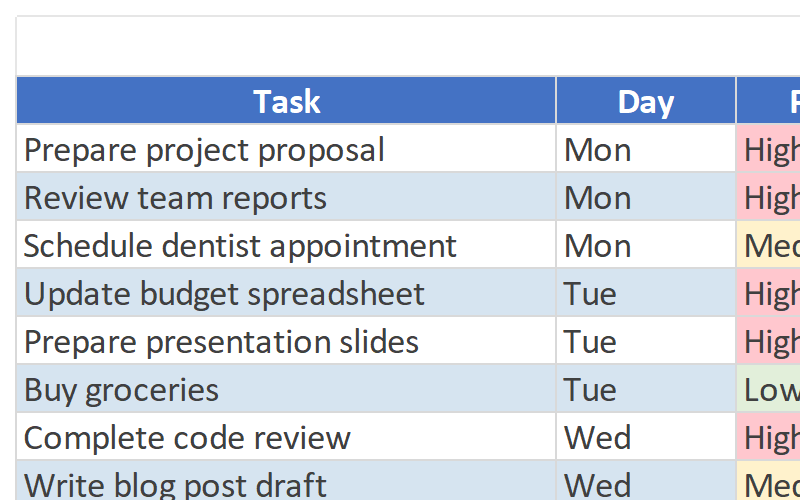
Track daily tasks with checkboxes and progress. Stay motivated as you check off completed items.
Notes & Ideas
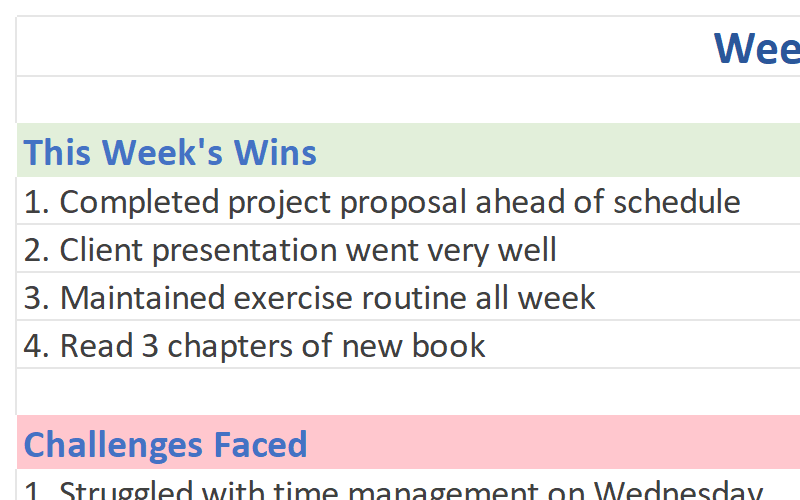
Dedicated space for capturing quick notes and ideas. Never lose a brilliant thought again.
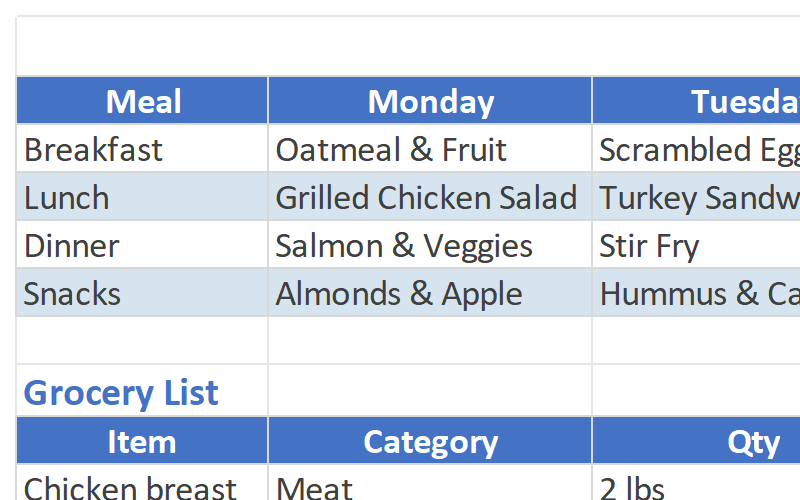
Meal Planner (Optional)
Add a meal planning section to organize your week. Save time and eat healthier with pre-planned meals.
Print-Friendly Design
Optimized for A4 and Letter printing. Print your weekly planner and keep it visible on your desk.
Complete Template Package
Everything you need to start planning your weeks like a pro.
See the Template in Action
Explore the key sheets and features of the Weekly Planner Template.
Who Should Use This Template?
Designed for anyone who wants to plan their week effectively and stay organized.
Working Professionals
Balance work meetings, deadlines, and personal commitments with structured weekly planning.
Students
Organize class schedules, study sessions, and extracurricular activities for academic success.
Busy Parents
Coordinate family schedules, meal planning, and household tasks efficiently.
Freelancers
Manage client projects, track billable hours, and maintain work-life balance.
Fitness Enthusiasts
Plan workout schedules, track fitness goals, and coordinate meal prep for optimal results.
Anyone Who Wants to Stay Organized
If you want to take control of your time and achieve more each week, this template is for you.
Why Choose Our Weekly Planner?
Transform your weekly productivity with these powerful advantages.
Maximize Your Time
Users report gaining back 5+ hours per week after implementing structured weekly planning. Every hour has a purpose, and nothing falls through the cracks.
Achieve Your Goals
Break big goals into weekly action steps. Track your progress and celebrate small wins that lead to big achievements.
Reduce Stress
Stop feeling overwhelmed by your to-do list. Plan your week in advance and approach each day with confidence and clarity.
Better Work-Life Balance
Schedule time for work, family, hobbies, and self-care. Create a balanced life that supports your overall well-being.
Technical Details
Everything you need to know about the template format and compatibility.
| File Format | Microsoft Excel (.xlsx) |
| Compatibility | Excel 365, Excel 2021, Excel 2019, Excel 2016 |
| Platform | Windows, Mac, iOS, Android (via Excel app) |
| File Size | ~2.0 MB |
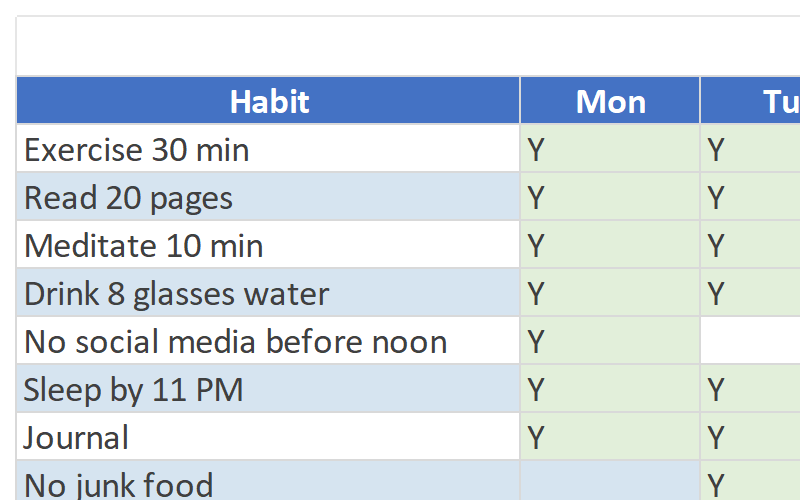
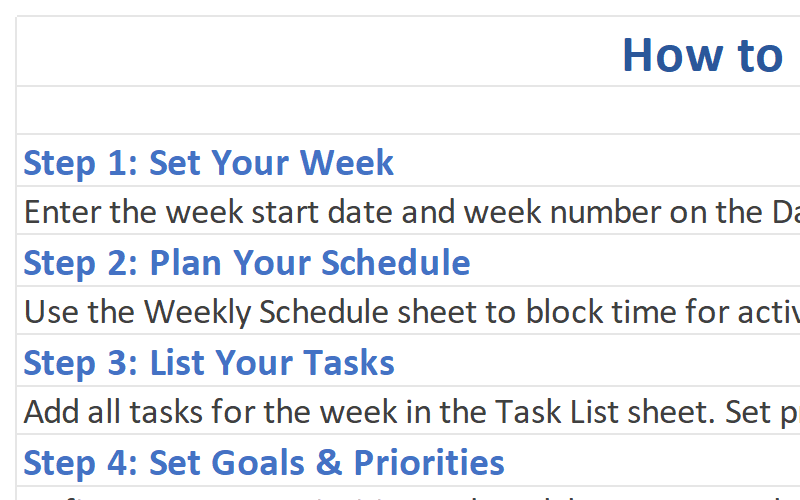
| Sheets Included | 7 worksheets (Weekly Schedule, Task List, Notes & Reflections, Meal Planner, Instructions, Habit Tracker, Dashboard) |
| Macros | No macros required – works with all security settings |
| Updates | Lifetime free updates |
| Support | Email support included |
Frequently Asked Questions
Get answers to common questions about the Weekly Planner Template.
Start Planning Your Week Today
Download the Weekly Planner Excel Template and take control of your time. Join thousands of satisfied users who have transformed their weekly productivity.
Download This Template